SlotParking — Real-Time Parking for Detroit
A SwiftUI-based parking management app that bridges the gap between lot owners and drivers, providing real-time inventory and trusted access to parking in high-traffic urban areas.
Demo Video
Demo video: SlotParking walkthrough coming soon.
Problem
Finding parking in Detroit is a challenge for both drivers and lot owners. Real-time information about available spots is rarely accessible, leading to frustration, congestion, and missed revenue. SlotParking aims to solve this by providing a live, trusted platform for parking management and discovery.
Challenge-Based Learning
Challenge: Bridge the gap between lot owners and drivers with real-time, trusted parking data.
Approach: Developed a SwiftUI app with Firebase sync, error-resistant UI, and offline support for reliability.
Outcome: Built a pilot-ready MVP that addresses real urban parking challenges and supports both attendants and drivers.
Project Snapshot
- Platform: iOS (SwiftUI)
- Type: Parking management and discovery
- Focus: Real-time inventory, accessibility, local branding
- Team: Solo
- Role: Product designer and iOS developer
- Timeline: 2026 (Pilot phase)
Role
Solo product designer and iOS developer responsible for concept, design, implementation, and field testing with Detroit lot owners.
My Contributions
- Designed and implemented the end-to-end product flow for both drivers and attendants
- Built modular SwiftUI feature surfaces for slot tracking, reservations, and analytics
- Developed real-time sync with Firebase and local persistence for offline support
- Created onboarding, map, and admin dashboard screens
- Led outreach and pilot testing with Detroit lot owners
Constraints
Deliver a robust MVP in a short timeline, ensure usability for non-technical attendants, and support both online and offline operation in urban environments.
Key Decisions
- Designed a simple, error-resistant UI for attendants with large, high-contrast controls
- Used Firebase for real-time updates and CoreData for offline fallback
- Prioritized local branding and Detroit-specific UI/UX
- Implemented live inventory broadcast to drivers citywide
Core Features
- Real-time slot reservation and availability tracking
- Parking history and analytics for users
- Admin dashboard for lot managers
- SwiftUI interface with accessibility support
- Push notifications for reservation reminders
- Integration with Apple Maps for navigation
Accessibility Decisions
- High-contrast color palette for visibility in outdoor/bright conditions
- Large tap targets and workman fonts for attendants
- VoiceOver and dynamic type support
- Offline mode for unreliable connectivity
Technical Highlights
- MVVM architecture for scalable codebase
- SwiftUI for UI and user interaction
- CoreData for local storage
- Firebase for real-time updates and syncing spot counts across devices
- Custom animations for slot selection and feedback
Key Screens
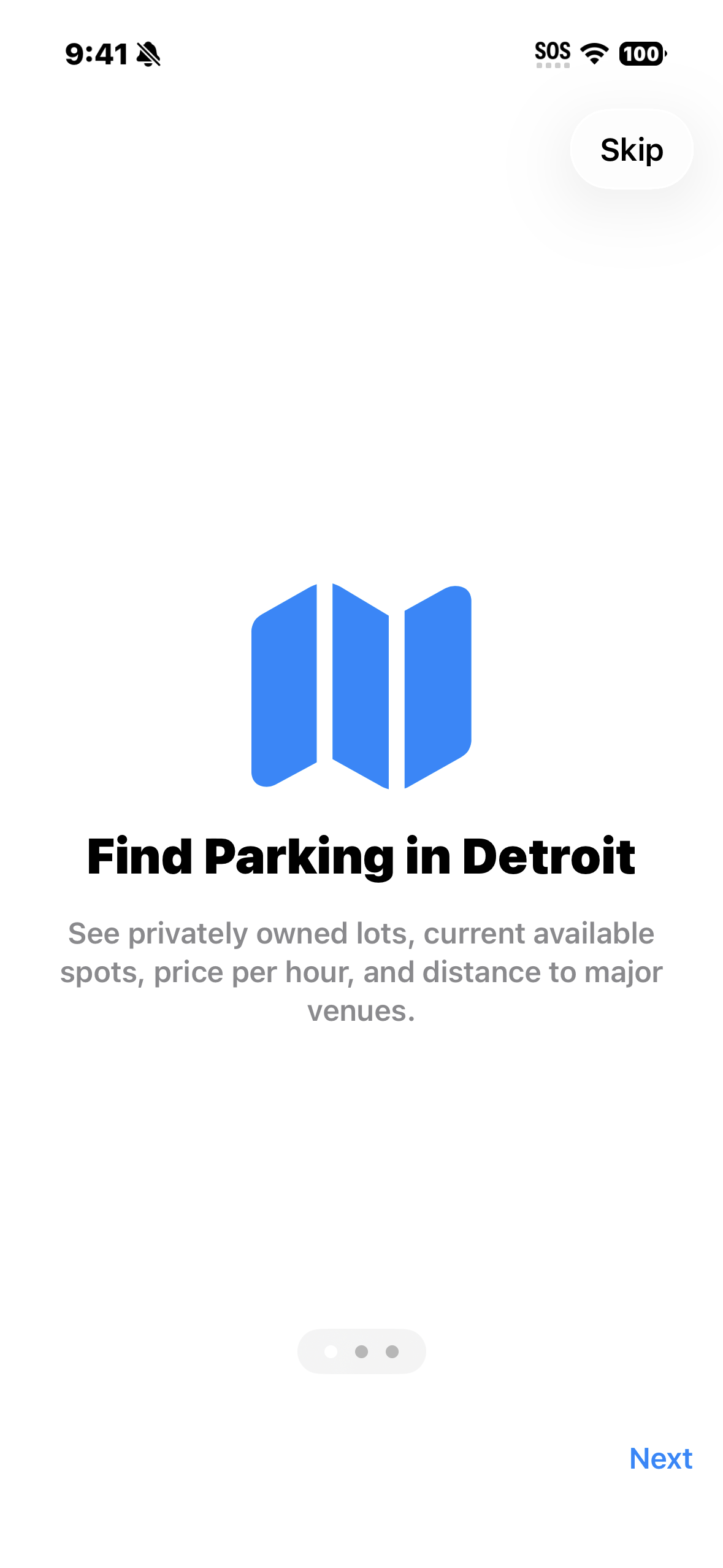
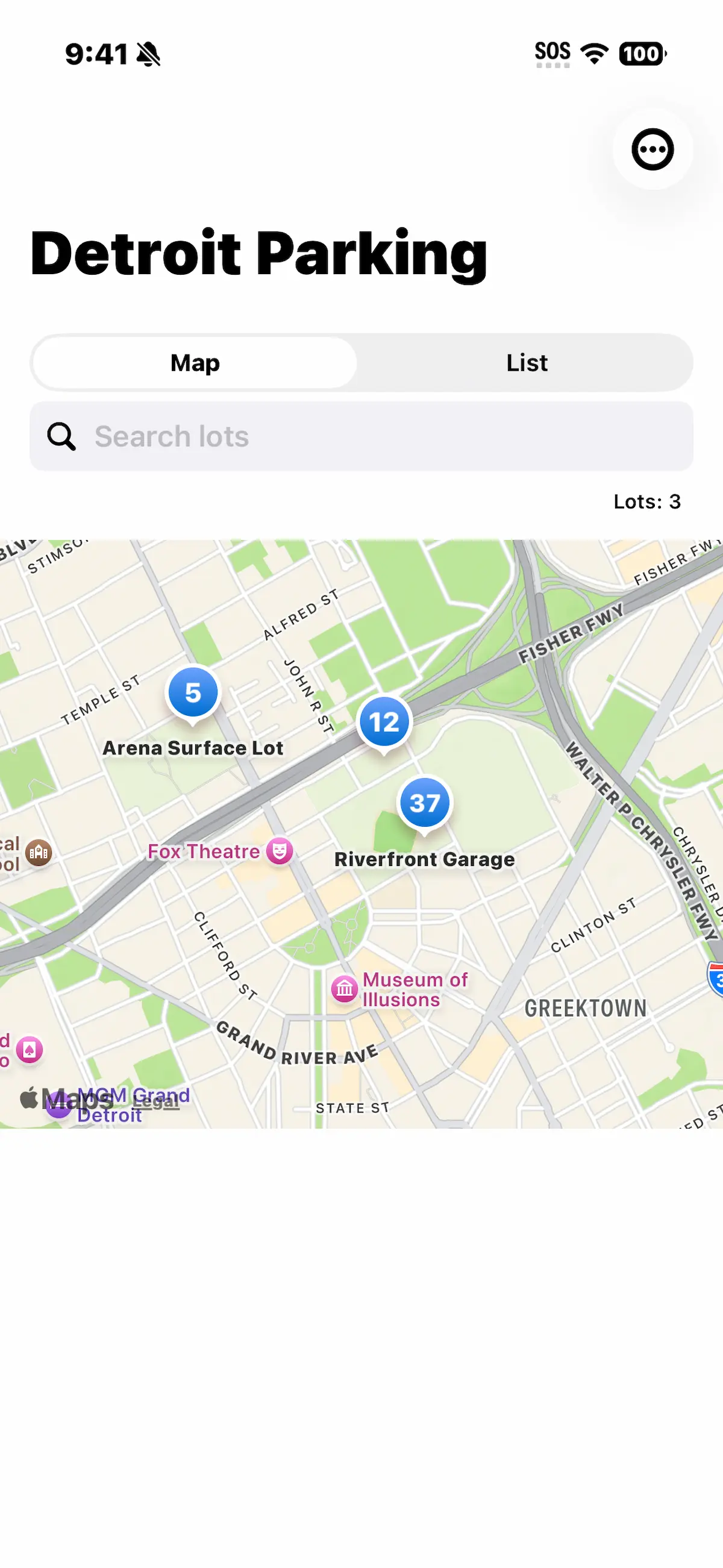
Challenges & Solutions
- Challenge: Convincing private lot owners to adopt a new digital system.
Solution: In-person demos, easy onboarding materials, and direct support during pilot rollout. - Challenge: Preventing inaccurate spot counts due to manual entry errors.
Solution: Simple, error-resistant UI with confirmation prompts and real-time sync to minimize mistakes. - Challenge: Handling unreliable cellular connectivity in downtown Detroit.
Solution: Offline mode with local caching and automatic sync when connection is restored. - Challenge: Building trust with drivers and preventing parking scams.
Solution: “Verified Lot” badges and live inventory updates to ensure transparency and reliability.
Outcome
SlotParking is not yet built. Soon, I will begin outreach to Detroit lot owners to gauge interest and gather feedback for the app's pilot launch.
Code Highlights
Selected snippets from SlotParking showing real-time spot tracking, Firebase sync, and attendant UI logic.
class SpotCountManager: ObservableObject {
    @Published var availableSpots: Int = 0

    func increment() {
        availableSpots += 1
        syncWithFirebase()
    }

    func decrement() {
        if availableSpots > 0 {
            availableSpots -= 1
            syncWithFirebase()
        }
    }

    private func syncWithFirebase() {
        // Firebase update logic here
    }
}
FIREBASE REAL-TIME SYNC
Swift function for listening to spot count changes in Firebase.
func listenForSpotUpdates() {
    let ref = Database.database().reference(withPath: "lots/detroitLot1/spots")
    ref.observe(.value) { snapshot in
        if let count = snapshot.value as? Int {
            self.availableSpots = count
        }
    }
}
ATTENDANT UI BUTTONS
SwiftUI view for attendant controls with large, high-contrast buttons.
struct AttendantControls: View {
    @ObservedObject var manager: SpotCountManager

    var body: some View {
        HStack(spacing: 32) {
            Button(action: { manager.increment() }) {
                Text("+")
                    .font(.system(size: 48, weight: .bold, design: .monospaced))
                    .frame(width: 80, height: 80)
                    .background(Color.orange)
                    .foregroundColor(.white)
                    .cornerRadius(16)
            }
            Button(action: { manager.decrement() }) {
                Text("-")
                    .font(.system(size: 48, weight: .bold, design: .monospaced))
                    .frame(width: 80, height: 80)
                    .background(Color.gray)
                    .foregroundColor(.white)
                    .cornerRadius(16)
            }
        }
        .padding()
    }
}